
Seller guides for Malaysia & Singapore
Small seller problems, clear next steps.
Practical steps for home bakers, service providers and WhatsApp-led sellers. Build one useful shop page, share it where customers already look, and confirm each enquiry in your own WhatsApp chat. These guides match the real OnlineLah builder—no checkout or automatic order confirmation assumed.
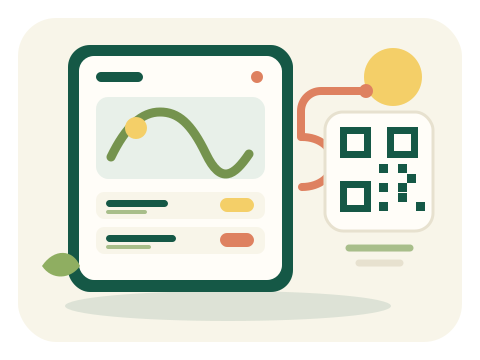
- Browse the shop page
- Choose whether to send a WhatsApp enquiry
- Confirm details directly
Seller guides for Malaysia & Singapore
Choose a guide for the task in front of you.
Start with the seller problem you want to solve, then follow the steps that match OnlineLah’s real builder and storefront.
-
 HOME BAKING
How to sell kuih online through WhatsApp
Give customers one page to browse your kuih before messaging you.
Read guide -
 CAKES
How to create a cake catalogue and take orders
Show your cakes in one place, then confirm each request personally through WhatsApp.
Read guide -
SHOP SETUP
How to create a WhatsApp storefront in Malaysia
Create an OnlineLah shop page that sends enquiries to WhatsApp—not a catalogue inside the WhatsApp app.
Read guide -
SHARING
How to share your online shop link and QR code in Malaysia
Put your OnlineLah shop link in your social bio and test the storefront QR before printing it for a stall or packaging.
Read guide -
CUSTOM ORDERS
How to sell custom orders on WhatsApp with “Ask for price”
Show which items need a quote, then collect the missing details in WhatsApp before confirming a custom order.
Read guide -
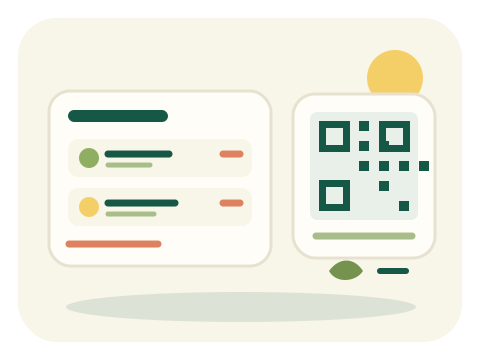 PAYMENTS
How to add a DuitNow QR code to your OnlineLah shop
Display your existing bank or DuitNow QR image beside the order summary, while keeping payment confirmation in your usual bank channel.
Read guide -
 SERVICES
How to sell services on WhatsApp in Malaysia
List the services customers ask about most, show fixed or quote-based prices, and agree scope and timing in WhatsApp.
Read guide