
SHARING
How to share your online shop link and QR code in Malaysia
A product page can answer the first question. Put the same shop link where customers already look, and use the storefront QR for in-person browsing.
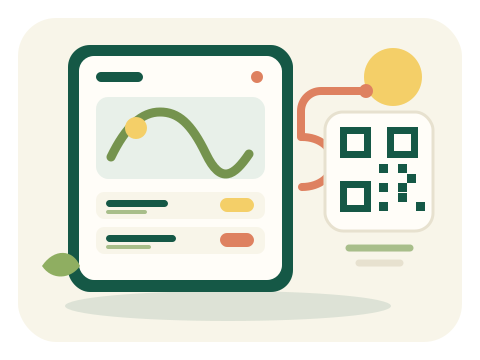
- In the OnlineLah builder, enter your business name, service area, WhatsApp number with country code, and up to five bestsellers. Use fixed prices or leave a price blank to show Ask for price.
- Open Preview store on a phone. Check your public-facing number, item names, prices and photos. Decide what you will confirm in chat, such as collection, delivery or availability.
- Under Go live, choose your shop-link ending and confirm your WhatsApp number may appear publicly. Sign in when you are ready to publish.
- After publishing, use your shop link and Your shop’s QR code. Put the link in a social profile or customer message; display the shop QR at a stall or on packaging. The shop QR opens your page, not a payment screen.
- Scan the shop QR before printing. Check that it opens the right page; customers can browse, choose whether to send a WhatsApp enquiry, and then agree the order details with you directly.