
PAYMENTS
How to add a DuitNow QR code to your OnlineLah shop
If you already accept bank or DuitNow QR payments, OnlineLah can display the QR image you supply beside the order summary. It does not take or verify payment.
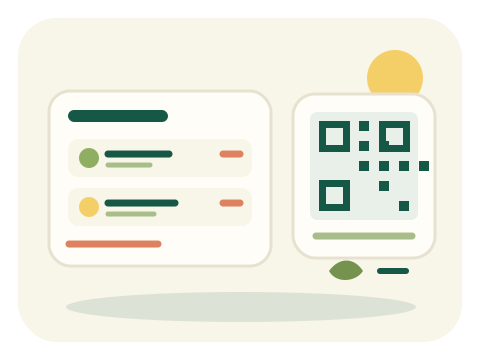
- Get a clear copy of your existing bank or DuitNow payment QR. Use the QR image, not a payment receipt; OnlineLah does not generate a new payment code for you.
- In the builder’s optional Getting paid section, upload the bank or DuitNow QR image. JPG, PNG and WebP are accepted, up to 5 MB; the whole image is retained and optimized to PNG up to 800 pixels.
- Check the QR preview. Keep the whole code visible and clear. If the image is cropped, blurry or covered, use a better source image or leave the optional field empty.
- Publish when ready, then check a buyer order summary on a phone to confirm the QR is visible beside it. This is a payment image, not the separate shop QR that opens your storefront.
- Customers use their own bank app to make payment. Confirm payment through your usual bank account before fulfilling the order; OnlineLah does not process the transaction.